 demo-studio
Tell your coding agent the goal. Get a finished demo video of your real app.
demo-studio is a set of open-source skills for Claude Code, Codex, Cursor, Gemini CLI, Copilot and other coding agents. Your agent plans the story, records each scene in a real browser, then cuts and narrates the video.
- Plans the story and shows it to you before recording anything
- Clicks through your real app in Chrome, with secrets blurred
- Cuts, narrates and mixes the video to a measured quality bar
- Runs on your machine. Nothing to sign up for
Study app showcase, 1:18, 1080p with soundRecorded and finished by the plugin. No AI footage.
Six stages, each one a skill you can also run on its own.
Your agent shows you the plan first and records nothing until you say go. After that it runs every stage to the end, stopping only for a login code, or for a step that would cost money or can't be undone.
Plan
Brief, run sheet with exact on-screen text, shot list, voiceover draft. demo-plan
01Prep
Sandbox account, a seeded demo user, a test run of every step. demo-plan
02Record
One clean 2x screencast per scene, secrets blurred in the page. demo-record
03Review
The keeper takes, uncut, in story order, to check before editing. demo-edit
04Edit
Keynote cut, narration and music, mixed to -14 LUFS. demo-edit
05Hand off
Editor folder and zip, plus 4:5 and 9:16 cuts. demo-handoff
06
Fix the cut yourself, in a timeline that runs on 127.0.0.1.
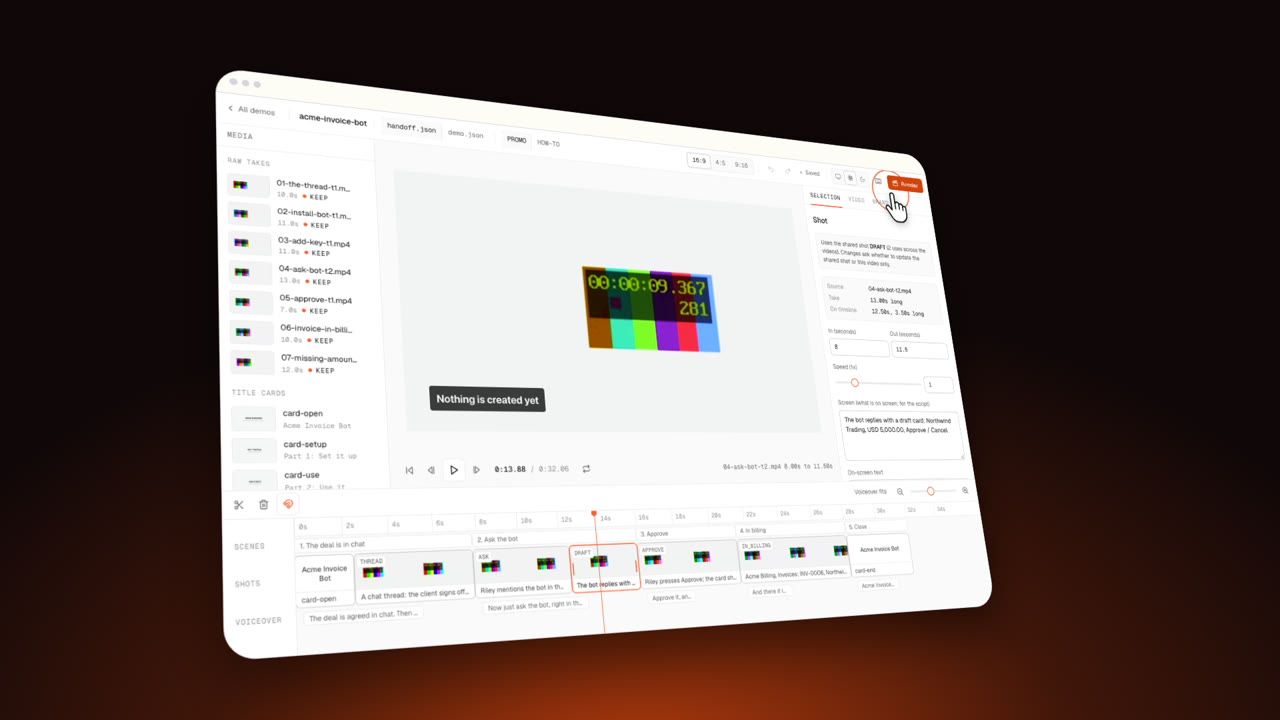
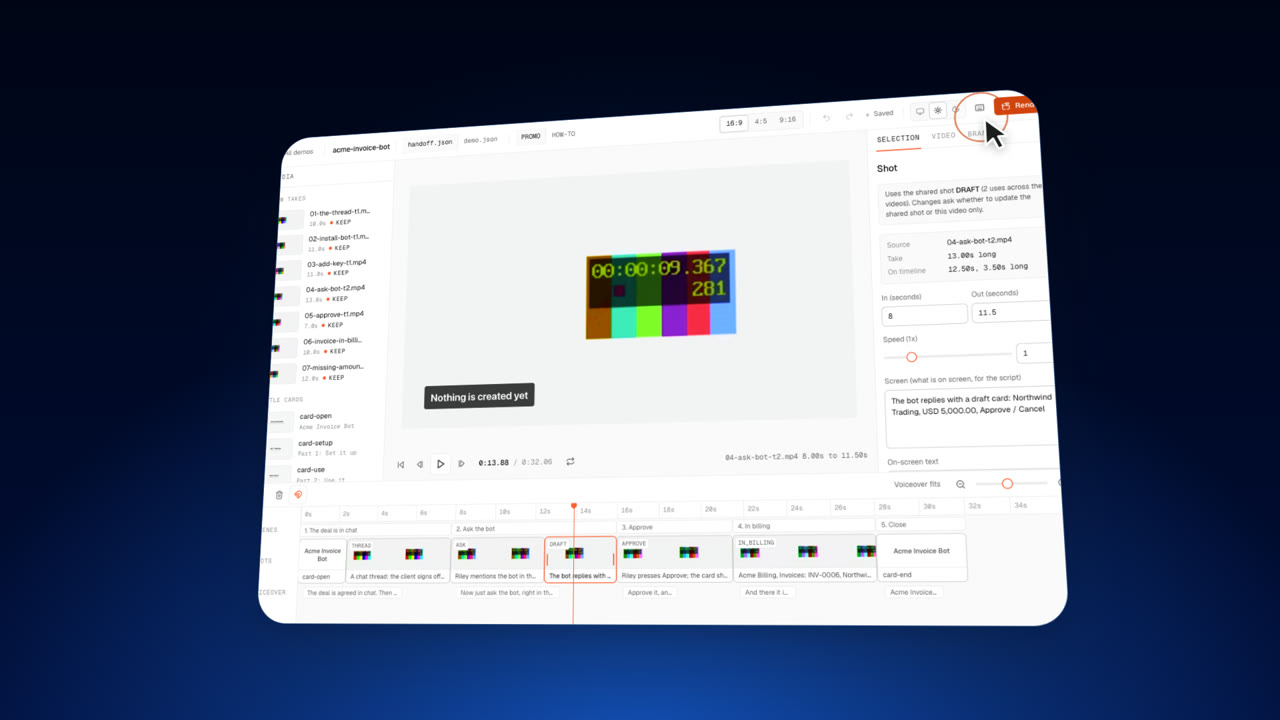
This is the real editor, opened on the todo sample from the repo. Scrub the timeline, retime a shot, drag and edit text right on the video, pick a font, or rewrite a voiceover line. On your machine it saves to demo.json and renders; here, edits stay in the tab.
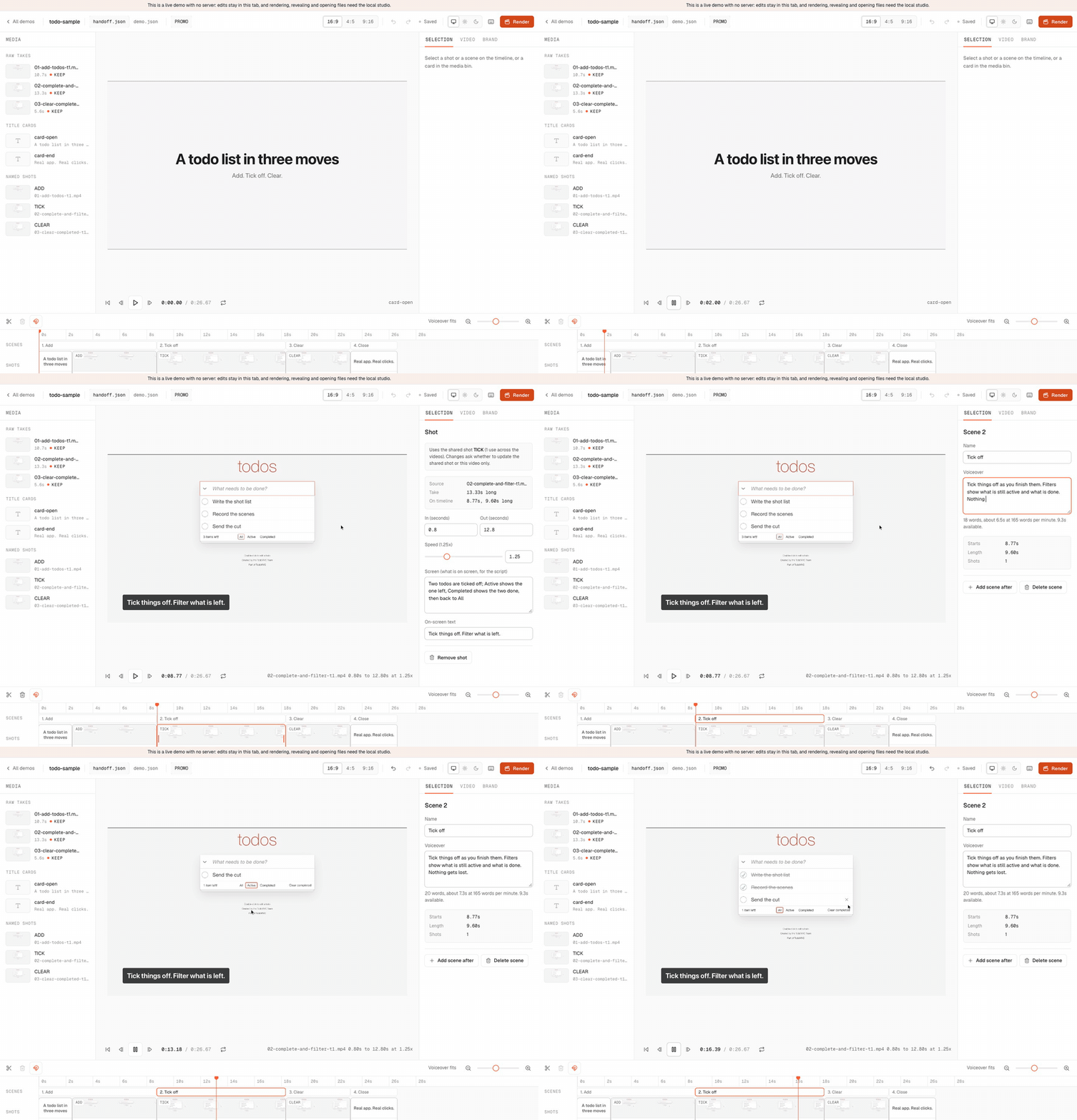
The editor needs a wider screen.Open it anyway
Live demo with no server. Rendering needs the local studio.Open full screen
The finished todo sample, 0:37Its plan and takes
- Your product, not a mock-up
- Every frame is the app running in Chrome, driven by Playwright with an eased pointer and human typing.
- Secrets never reach a frame
- Sensitive fields are masked in the page before capture. Passwords stay in your macOS Keychain, never in a file.
- Nothing leaves the laptop
- No account, no cloud, no telemetry. Narration can be macOS
sayor your own voice; ElevenLabs only if you ask. - Checked, not eyeballed
check-cut.pymeasures every finished cut against a written quality bar: zoom timing, loudness, end card.
The look is a template, so the setup grows with you.
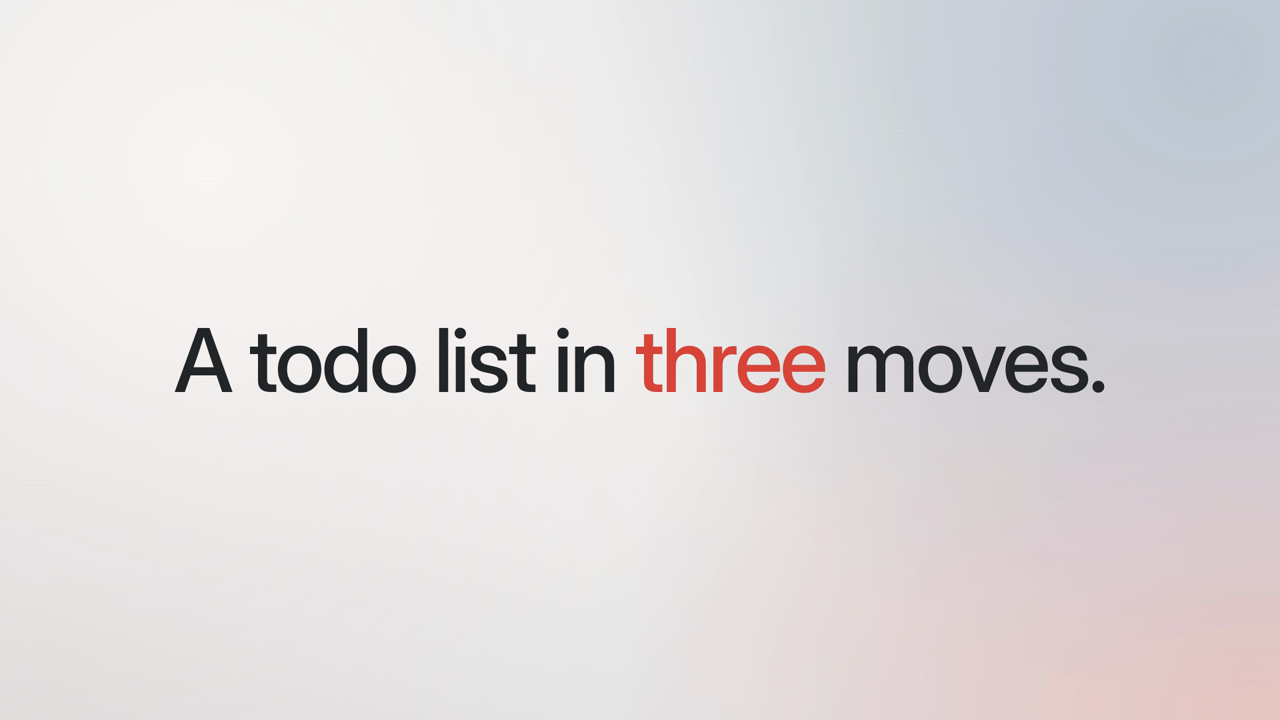
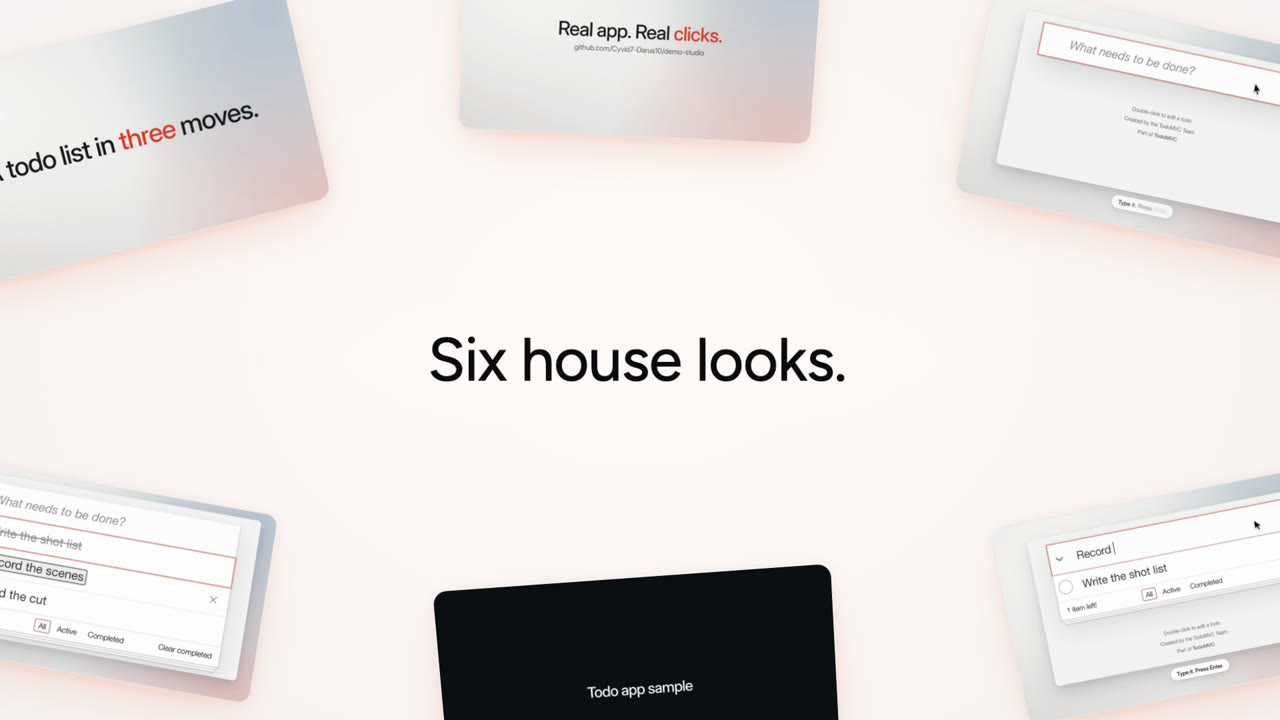
Window, zooms, highlights, callouts, titles, ending and loudness all come from one template.json. Four looks are built in; these six frames are the default house look, drawn on the todo sample.
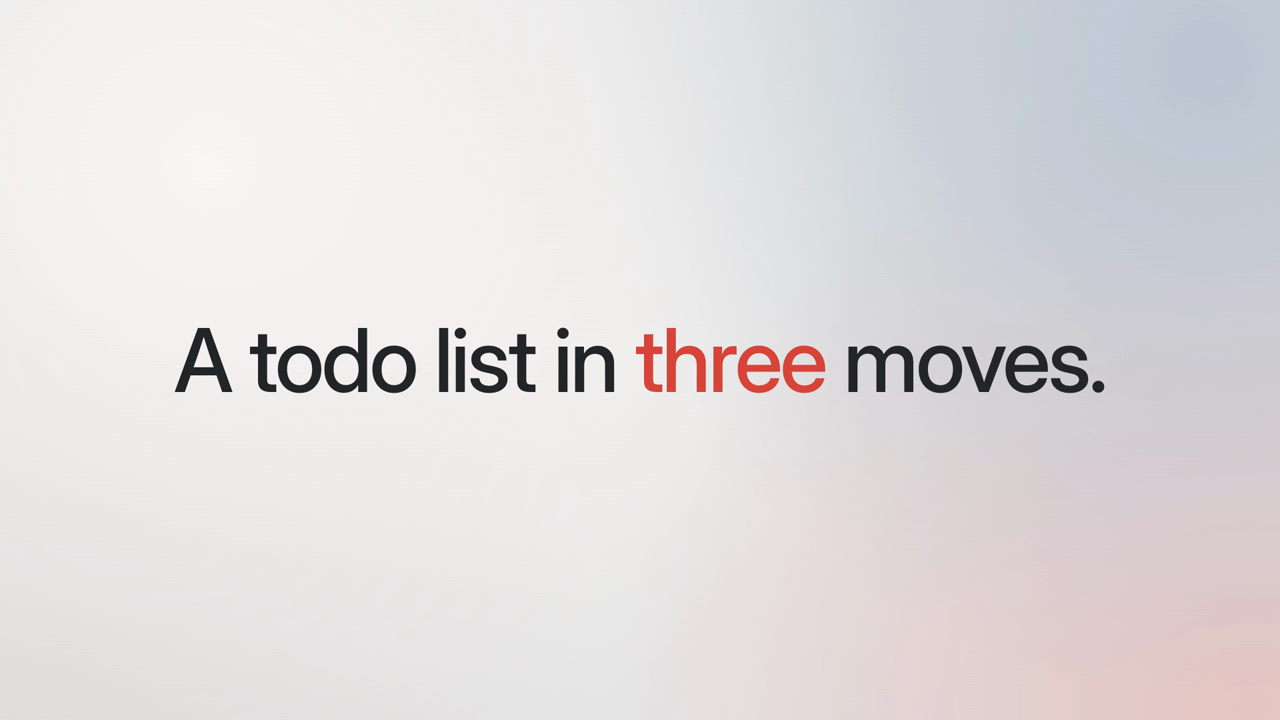
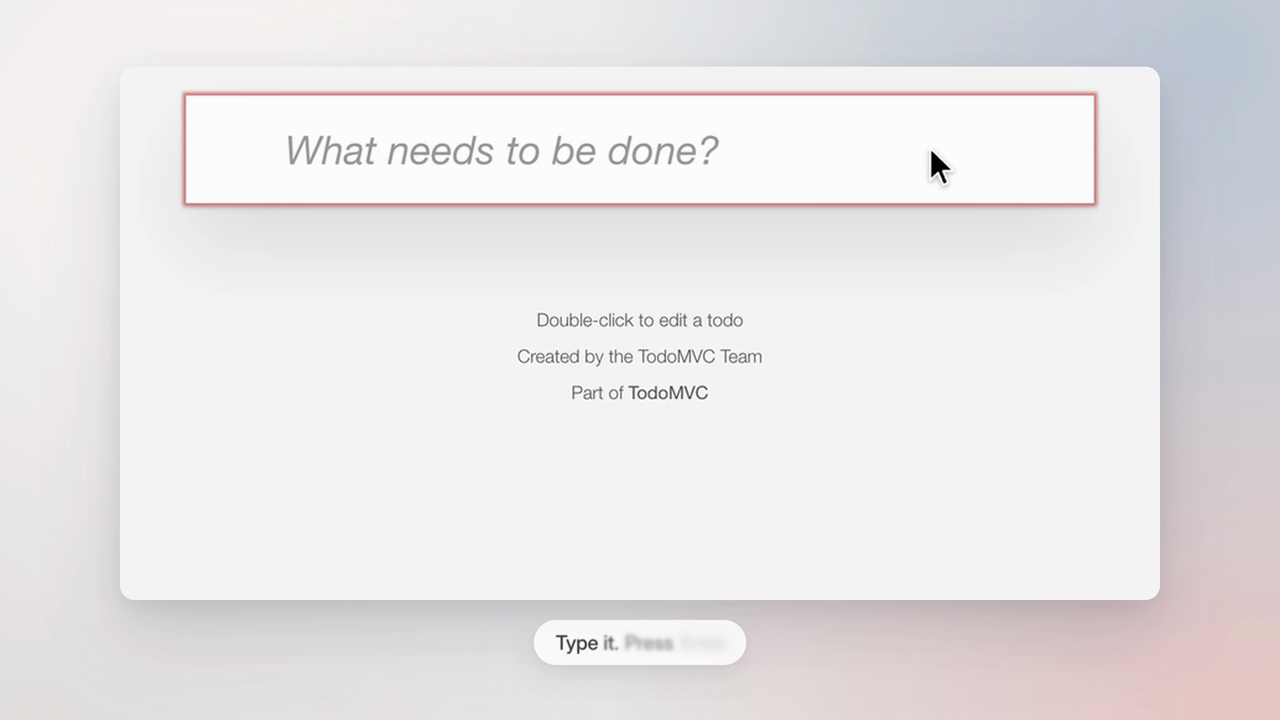
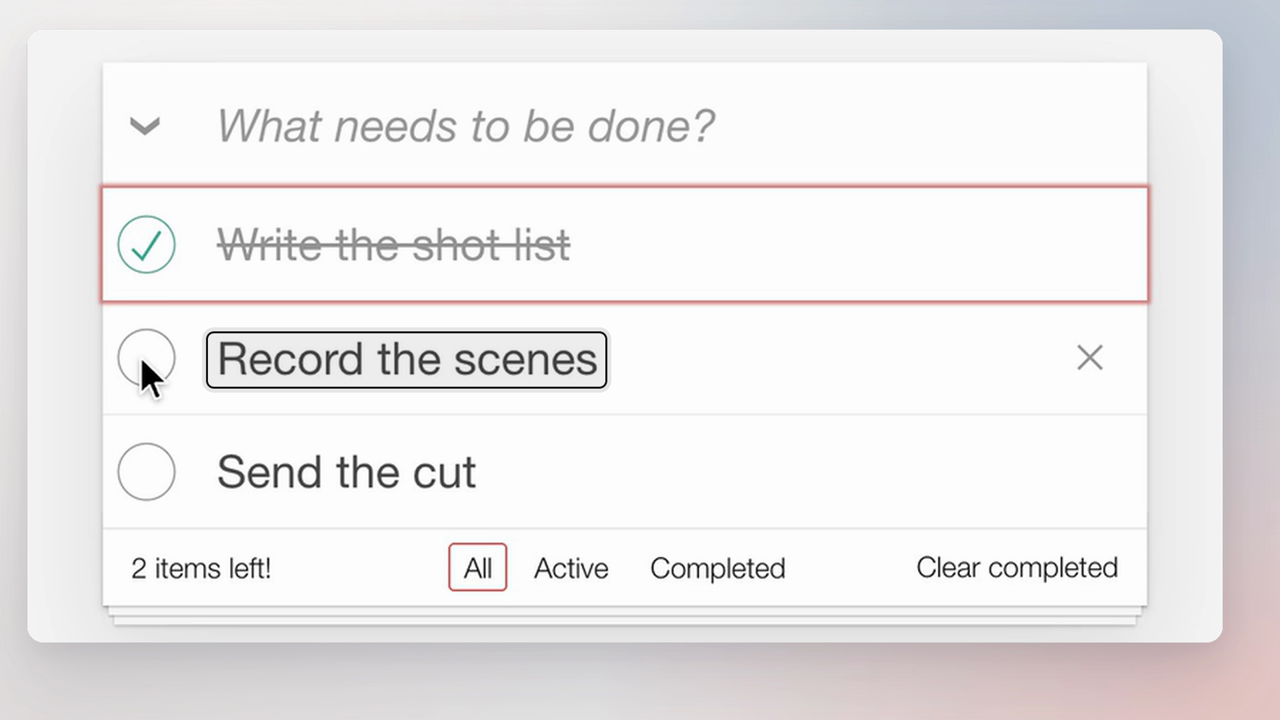
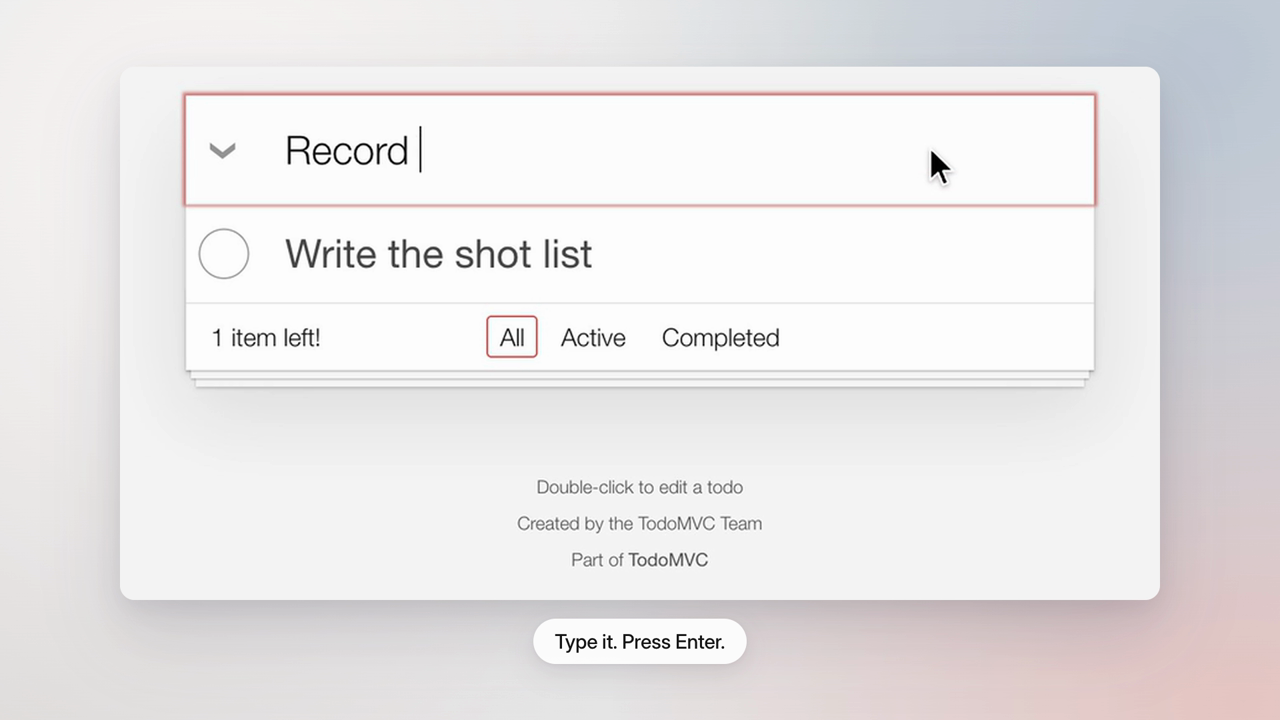
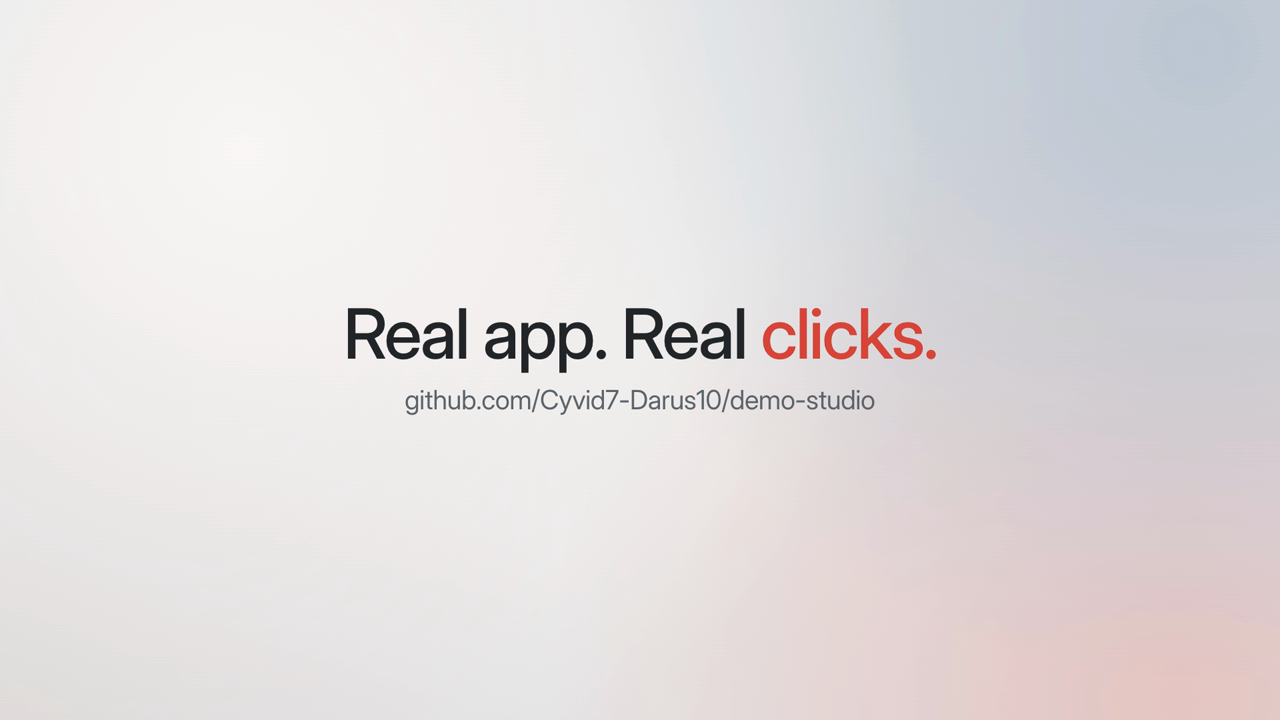
A template sets the brand, window, zoom, highlight, pill, title, transitions, end card, pacing and audio.
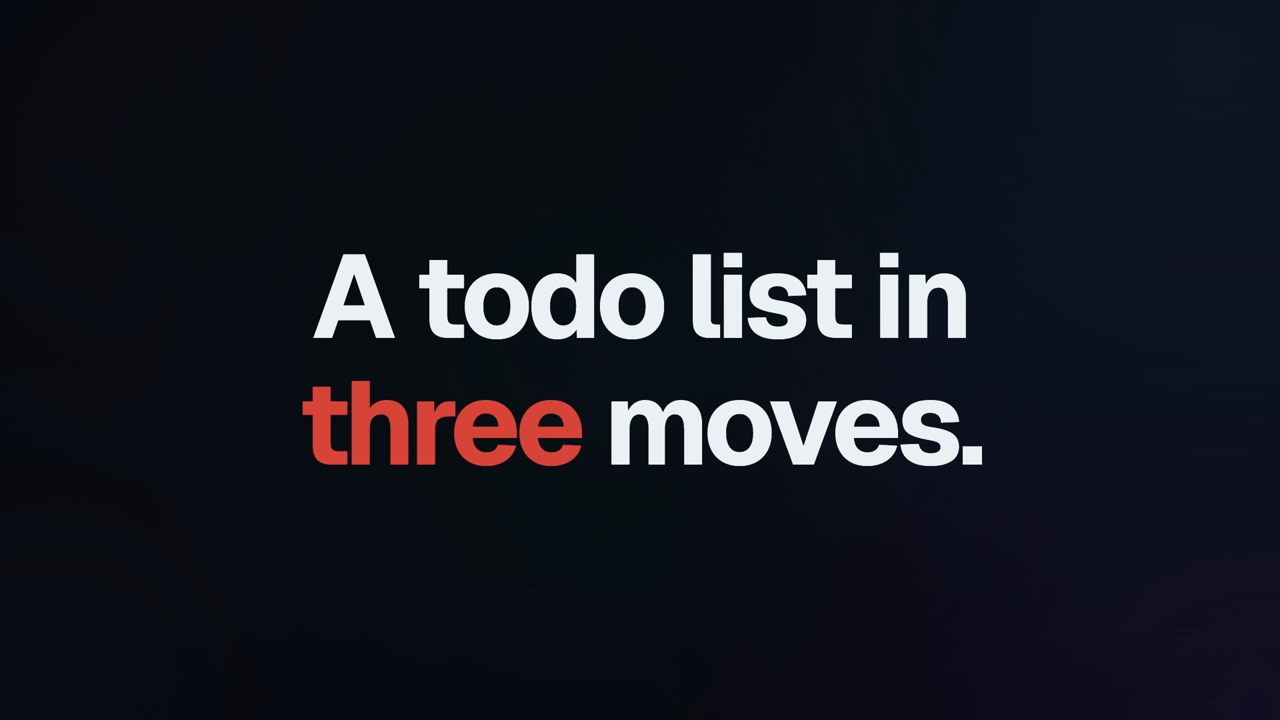
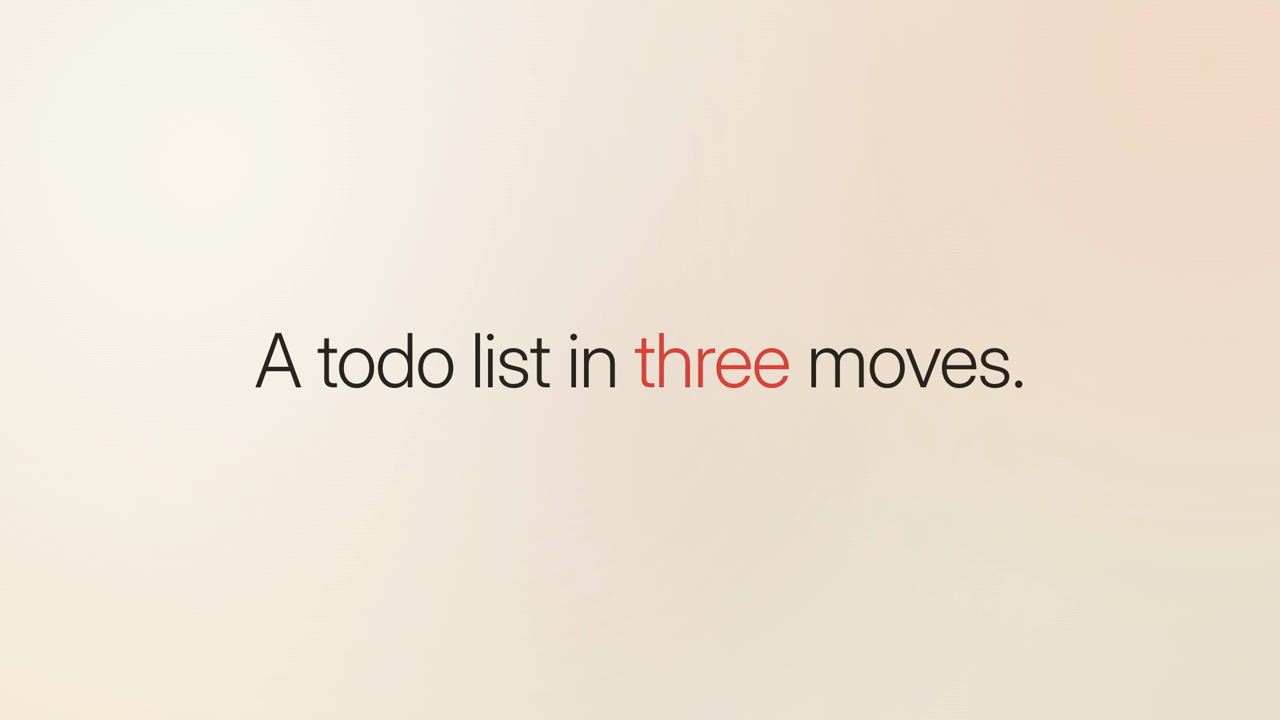
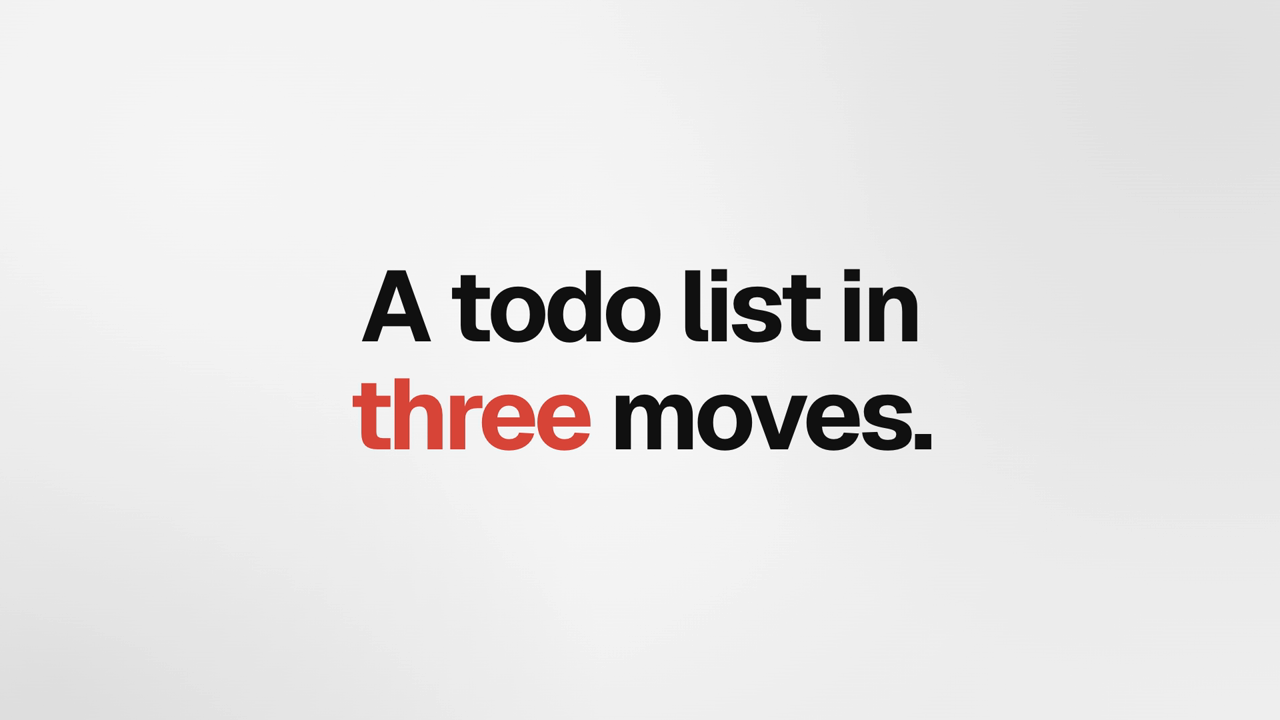
Pick one per demo
One line in the demo's plan. Your brand colours and logo still win, so one template serves every product.
{ "title": "Acme invoices",
  "template": "house" }
Copy the look of any video
Say "copy the look of launch.mp4". The demo-template skill measures zoom timing, colours, window shape and loudness from the file, fills the rest by eye, and saves a new template with previews.
Share it as a folder
A template is a folder: template.json, a README and six previews, with no file paths inside. Drop it in _templates/ and the studio lists it; a same-named one replaces a built-in.
The same footage, cut as a launch ad.
Skill demo-motion turns a demo's real screens into a short motion piece: words that land on the beat, floating UI, a typed prompt, a finished check. It renders 16:9, 4:5 and 9:16 from one storyboard.json. This one is demo-studio's own launch ad, made with it.
demo-studio launch ad in the airy style, with soundIts storyboard
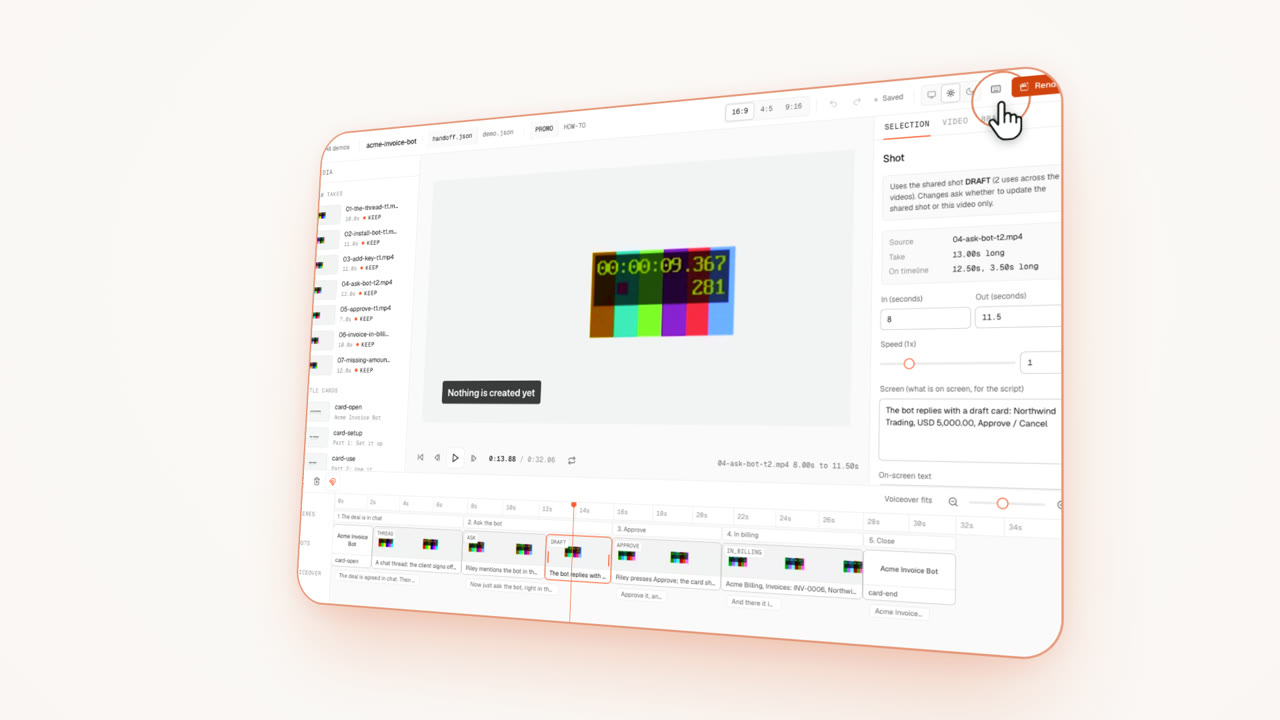
A style is one style.json in motion-templates/: palette, type, easing and depth. Your logo and brand colour come from the storyboard, so every style fits any product. Add your own the same way.
The narrated walkthrough, 1:10Its plan and scenes
- Both made from one plan
- The walkthrough is the keynote cut with narration; the ad reuses the same recorded screens.
- Copy either one
- Both samples are in
examples/. Swap in your own screens, words and logo, and render. - Music on the beat
- The ad's cuts are timed to the beats measured in its music track, then mixed to -14 LUFS.
The voiceover is written with the plan, then timed, voiced and mixed by one script.
Each shot in demo.json carries its own voiceover line. narrate.py turns those lines into the narrated cut, using plain ffmpeg on your machine.
Fit
Every line is checked against the time before the next shot, at about 2.5 words a second. A long line is flagged before any voice is made, so nothing is paid for twice.
01Voice
Each line is rendered and placed at the start of its shot. Lines made through ElevenLabs are cached, so a re-run costs nothing.
02Music
A bed from
03music/bed.m4aloops under the cut, sits 13 dB below the voice and drops 7 dB more under each line, with no pumping. It fades in and out.Mix
Loudness lands at -14 LUFS with true peak under -1 dBTP, then
04check-cut.pymeasures it again on the finished file.
| Voice | Where it runs | Cost |
|---|---|---|
macOS say | On your Mac. The default when nothing else is set up. | Free |
| Your own recordings | Files you drop in voiceover/01.mp3, 02.mp3… --export-lines lists each line with its time and word budget. | Free |
| ElevenLabs | Only if you choose it: an API key read from your shell or macOS Keychain, or the ElevenLabs MCP. The key is never written to a file. | Your plan |
| Higgsfield | Only if you choose it, through its MCP. The agent saves each line as a file, then mixes them like your own recordings. | Your credits |
Music works the same way: your own licensed instrumental, or one made with ElevenLabs compose_music or Higgsfield. With no bed, a sine-pad placeholder fills in and the script warns until you replace it. Both sample videos on this page use ElevenLabs narration and music.
It runs on your laptop. There is nothing to sign up for.
No demo-studio account, no cloud service, no telemetry. Your footage, plans and renders stay in a demos/ folder on your disk, and git ignores it.
- Test accounts only
- Recording uses a sandbox or demo login, signed in before the camera starts. Steps that cost money or can't be deleted stop and ask first.
- Secrets are masked before capture
- Token-shaped text and values next to known labels are blurred in the page itself, before a frame is taken, and every frame is checked after. Passwords stay in your macOS Keychain.
- The editor is not on the network
- The studio listens on 127.0.0.1 only. Demo folders from other people are treated as untrusted: paths stay inside the folder and title cards render sandboxed.
- What does leave
- Your coding agent talks to its own AI provider as it always does. ElevenLabs or Higgsfield get your voiceover text only if you pick them.
What it runs on
| Tool | For | Licence |
|---|---|---|
| Node.js 20+ | Recorder, card rendering, the studio | MIT |
| Python 3.10+ | Edit, narration and check scripts, standard library only | PSF |
| ffmpeg | Encoding, mixing, loudness | LGPL/GPL |
| Google Chrome | The recorded browser and the title renderer | |
| Playwright MCP | Lets your agent drive the browser, pinned to 0.0.84 | Apache-2.0 |
| npm packages | playwright-core, React, Ajv, lucide, pinned and locked | Apache-2.0, MIT, ISC |
bash scripts/doctor.sh checks each one and prints the fix. Versions, fonts and checksums: dependencies. How to report a problem: security policy.
Paste one prompt into your coding agent, then say what the demo should show.
It works in Claude Code, Codex, Cursor, Gemini CLI, Copilot and other agents. The agent sets everything up and asks before installing anything. Prefer to do it by hand? The getting started guide has every step.
Set up demo-studio for me so I can make product demo videos.
1. Clone https://github.com/cyruspastelero/demo-studio.git and work inside that folder.
2. Check for Node.js 20+, Python 3.10+, ffmpeg and Google Chrome.
   Ask me before installing anything that is missing.
3. Run npm install, then bash scripts/doctor.sh, and fix what it reports.
4. Add the Playwright MCP server to your MCP settings.
   Command: npx -y @playwright/mcp@0.0.84 --browser chrome
5. Run bash scripts/new-workspace.sh ./demos
6. Tell me if I need to restart you to load the browser tool,
   then how to start my first demo.
Using Claude Code? You can also install it as a plugin: /plugin marketplace add cyruspastelero/demo-studio, then /plugin install demo-studio@demo-studio.
Make a demo of app.example.com. Goal: a new user creates a project and invites a teammate. I'm logged in to the sandbox in the Playwright browser.